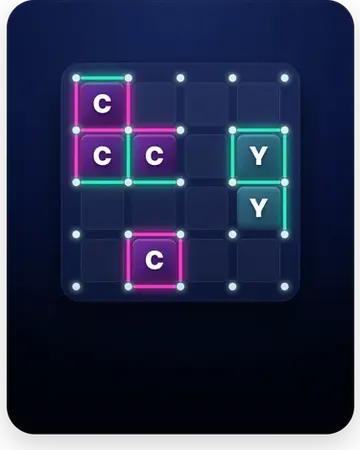
Place your fleet on a hidden grid, then call out coordinates to hunt down your opponent's ships before they sink yours. Every shot is a guess refined by hits and misses as you close in on each vessel.
How to play Naval Battle
- Place your ships on your grid, keeping their positions hidden.
- Call a coordinate to fire at your opponent's grid.
- Mark each shot as a hit or a miss to track your hunt.
- Keep firing on a ship's surroundings after a hit to sink it.
- Sink your opponent's entire fleet to win.
Tips & strategy
- After a hit, fire along a straight line to find the rest of that ship quickly.
- Search the grid in a spaced pattern early to cover water efficiently.
- Spread your own ships apart so a single lucky area doesn't sink several at once.
Controls: Tap or click a grid cell to fire at it.
Naval Battle — FAQ
How do I sink a ship?
You sink a ship by hitting every cell it occupies; the game tells you when a vessel goes down.
Can ships touch or overlap?
Ships can't overlap, and they're placed within the grid; you hunt them one coordinate at a time.
How do you play Naval Battle?
You place your fleet on a hidden grid, then take turns guessing coordinates to find and sink your opponent's ships. The first player to sink all of the enemy's ships wins.
Can I play Naval Battle 2 player?
Yes, Naval Battle has a 2-player mode where you and a friend take turns firing at each other's grids on the same device. You can also play solo against the computer.
What is a good Naval Battle strategy?
Fire in a checkerboard pattern to find ships faster, since every ship covers at least two adjacent squares. Once you land a hit, target the surrounding cells to sink the whole ship.
Is Naval Battle free and does it work offline?
Yes, Naval Battle is completely free to play online in your browser with no download or sign-up. It also works fully offline in the free Offline Games Arcade app for iOS and Android.